← VAYTECH / AI PHOTO ORGANIZER PRO
100% Private • On-Device AI • Windows & macOS

Your Photos, Organized.
Zero Cloud. Zero Compromise.

Stop drowning in duplicate photos, blurry shots, and scattered folders. AI Photo Organizer Pro runs local neural networks directly on your PC or Mac to automatically clean, cluster, map, and organize your entire photo library—without your files ever touching the cloud.

Windows 10 / 11 (MSI / Store) macOS (Apple Silicon & Intel) 100% Local & Offline AI No Cloud Subscription Lock-In Safe Recycle Bin Deletion
Get License ($9.99) → Download for Windows (.msi) Download for macOS (.dmg)
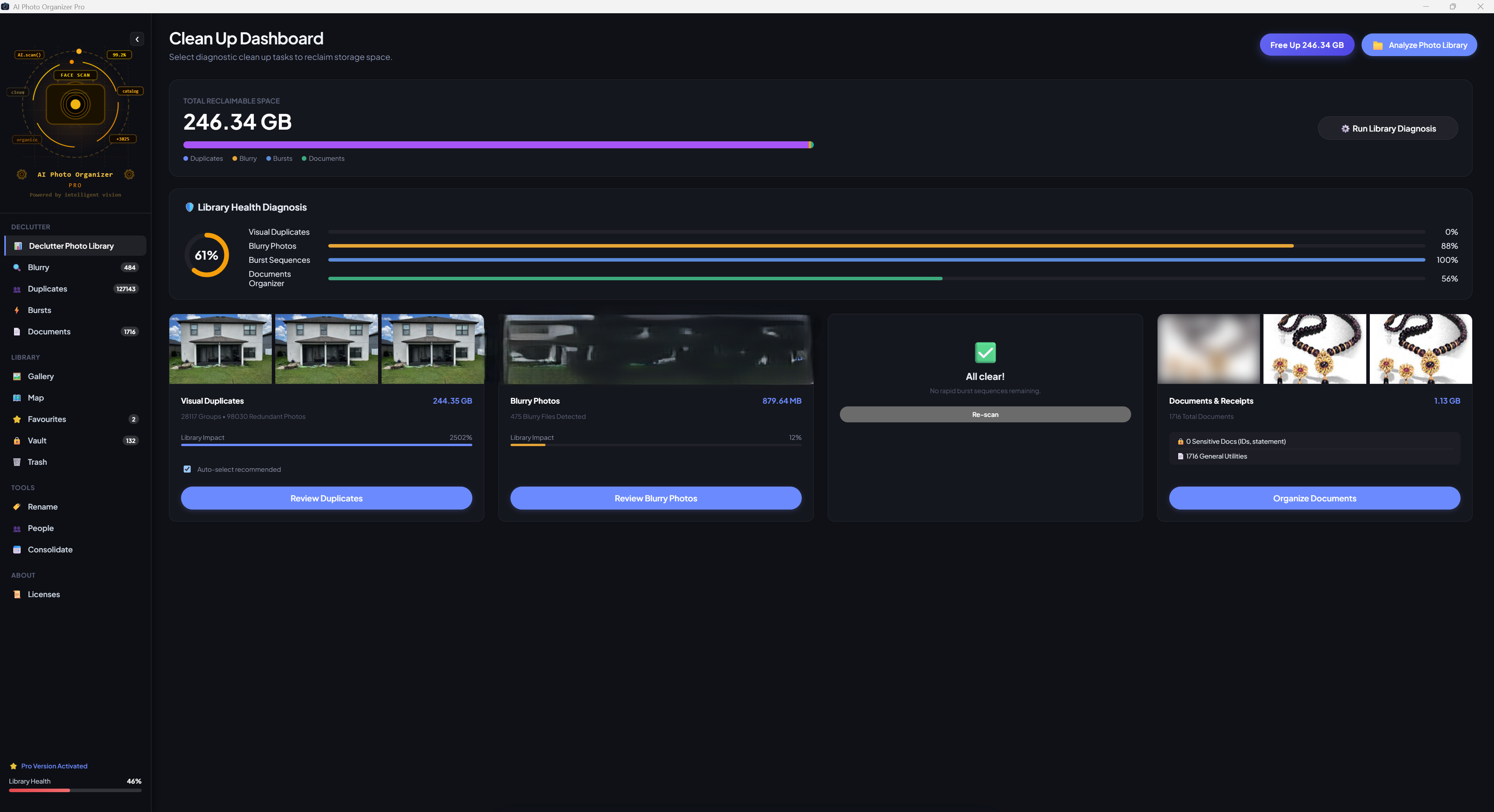
AI Photo Organizer Pro — Clean Up Dashboard
AI Photo Organizer Pro Clean Up Dashboard
Feature Architecture

Five Pillars of Intelligent Local Photo Curation

Engineered from the ground up for massive photo collections. Here is a technical breakdown of how AI Photo Organizer Pro declutters, clusters, and secures your library.

Pillar 01 • Decluttering & Storage Reclamation

Free Up Gigabytes Of Wasted Disk Space In Minutes

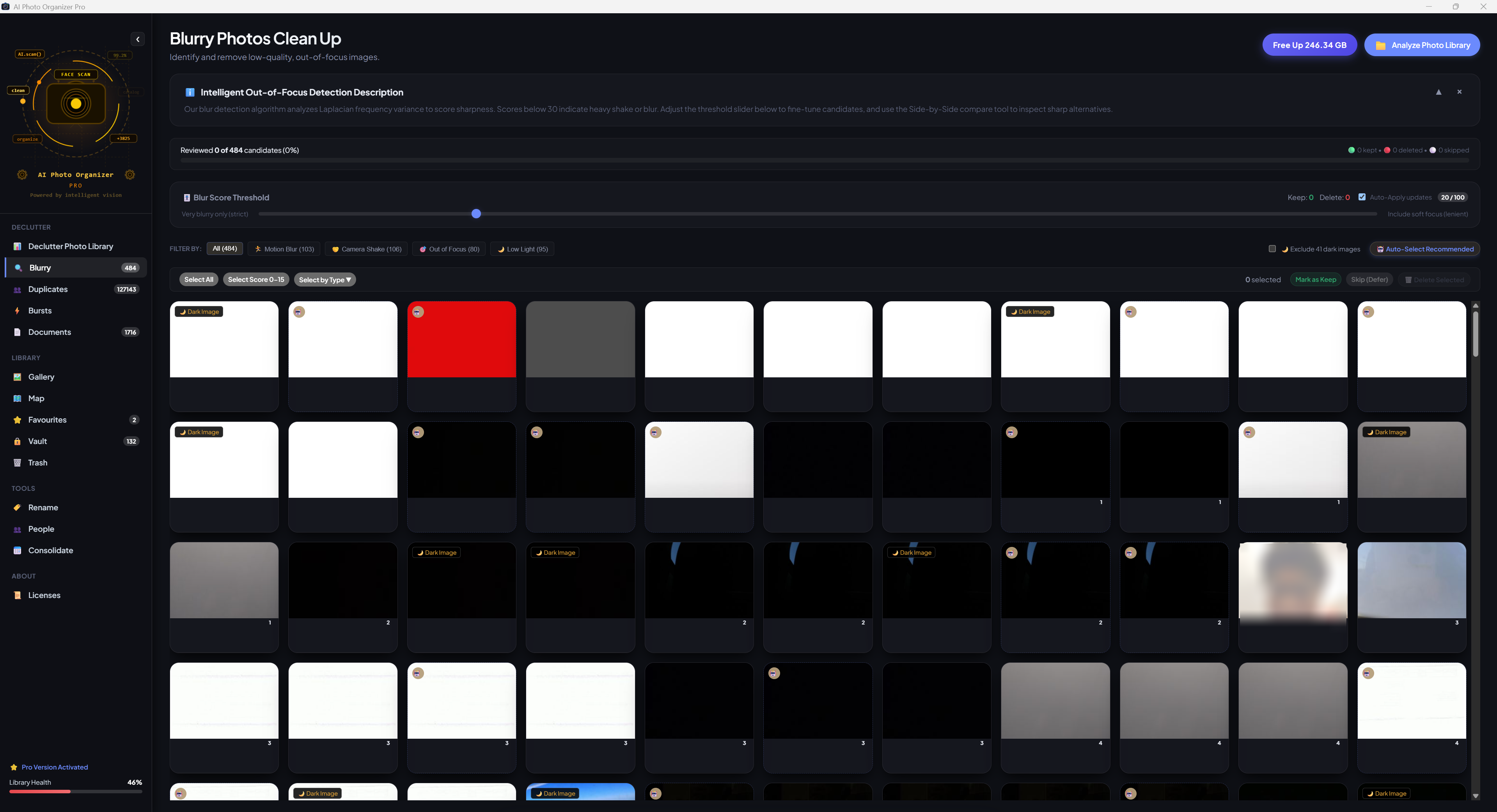
Eliminates photo bloat without risking your memories. Our multi-engine analyzer categorizes near-duplicates, burst captures, and blurry shots, recommending the best version while safely queueing clutter for removal.

  • Perceptual & Exact Duplicate Cleaner Combines cryptographic hashing for identical files with perceptual hashing (aHash, pHash, dHash) for shots taken seconds apart. Automatically preserves the highest-resolution original.
  • AI Blur & Bad-Shot Detection Evaluates Laplacian variance and edge frequency sharpness to surface out-of-focus, motion-blurred, or underexposed photos for mass review.
  • Burst Mode Frame Selector Groups rapid multi-shot sequences captured within milliseconds, highlighting the crispest frame and flagging redundant duplicates.
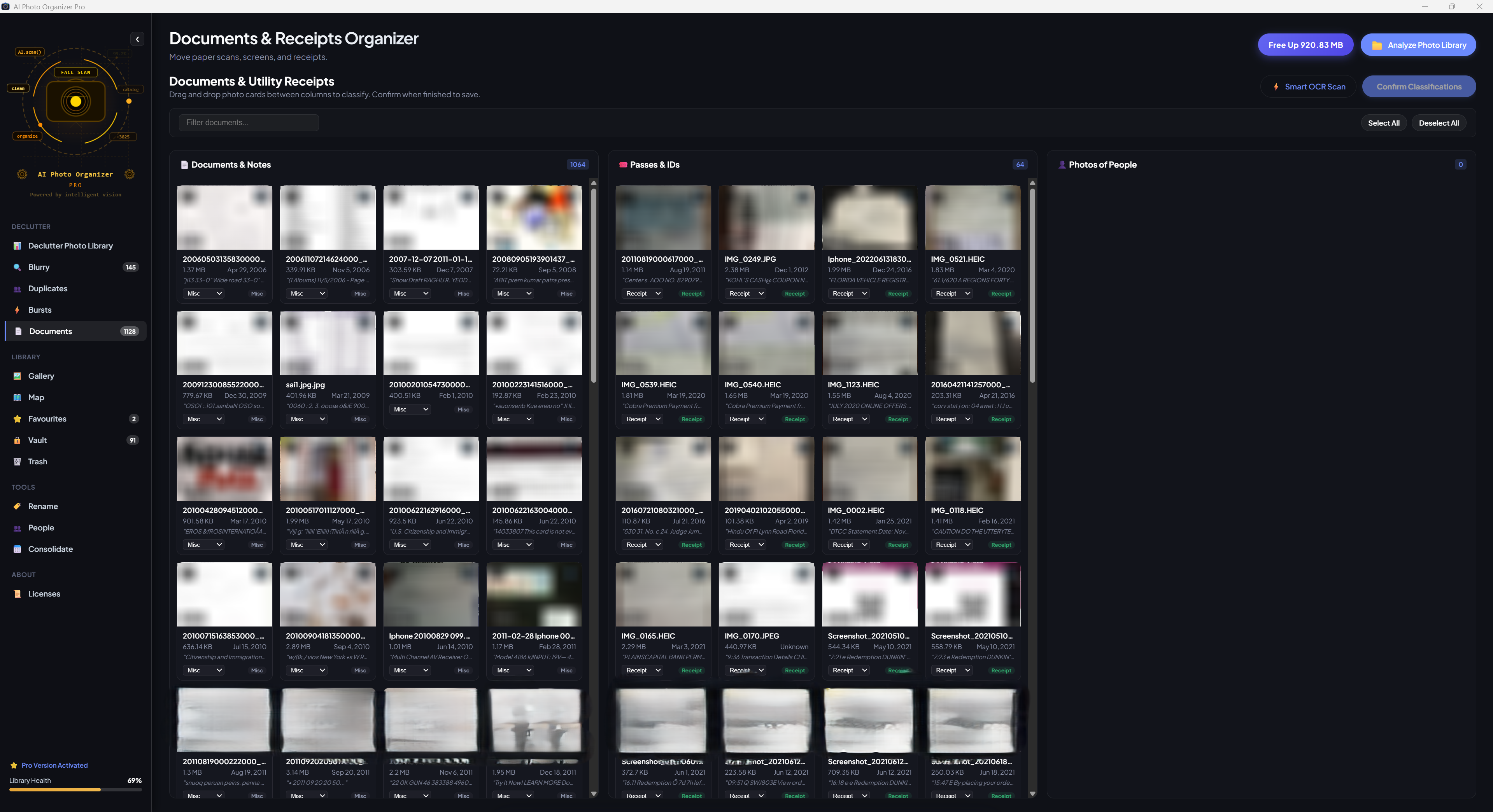
  • Document & Receipt Segregator Identifies receipts, bills, whiteboard snapshots, and paper forms with local heuristics, offering one-click sorting into clean document folders.
Duplicate Cleanup & Comparison Tool
Duplicate Photos Cleanup UI
Pillar 02 • Face Scan & People Directory

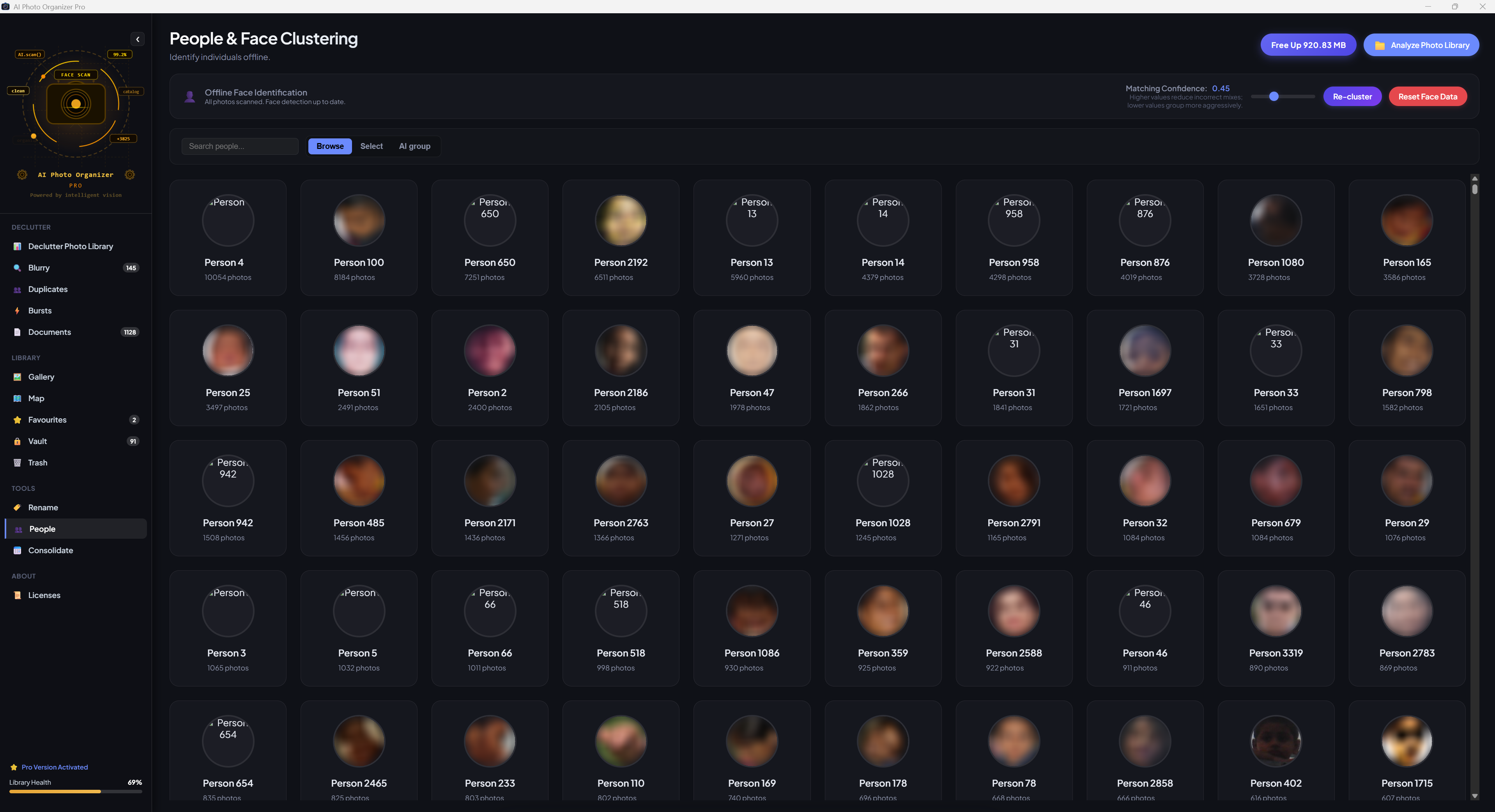
Turn A Chaotic Gallery Into A Searchable People Directory

Rediscover family moments without manual tagging. Our pre-trained YuNet & SFace models extract mathematical feature embeddings on-device, grouping loved ones automatically with zero biometric data ever leaving your machine.

  • On-Device Face Embeddings Extracts 128-dimensional facial vectors in milliseconds. Identity clustering runs completely offline with no facial data sent to remote servers.
  • Smart People Clustering & Bulk Renaming Automatically clusters detected individuals with live thumbnail previews. Assign names in bulk and filter photo collections by who appears in them.
  • Duplicate Person Suggestion & Merging Proactively surfaces similar face groups across different lighting or angles, allowing you to merge clusters into a single canonical profile with one click.
Offline People & Face Clustering
People and Face Clustering UI
Pillar 03 • Visual Exploration & Global Map

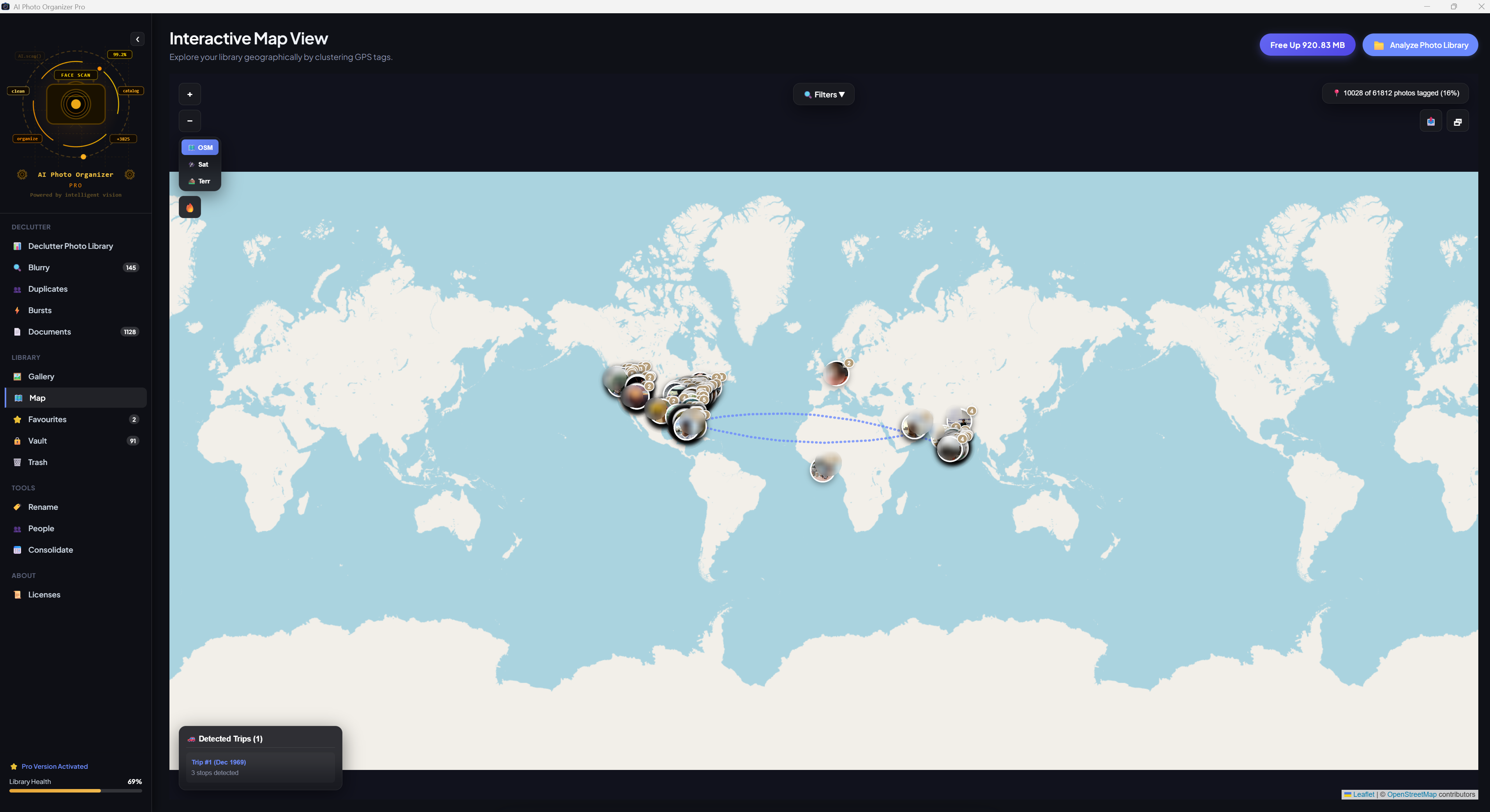
Rediscover Your Travels & Memories Like An Interactive Story

Transform flat folders into an interactive travel atlas and chronological journey. Seamlessly navigate across years of memories with zero interface lag.

  • Interactive Global GPS Map Extracts camera GPS coordinates and pins every memory onto an interactive world map. Zoom into vacations, road trips, and hometown events.
  • Fluid Chronological Timeline Scrubber Seamlessly jump across decades, years, months, and days. Handles collections with 100,000+ photos smoothly without slowdowns.
  • Milestone & Memory Highlights Curates and surfaces generational family memories in uncompressed original quality so meaningful moments are never lost in digital clutter.
Interactive Global GPS Map View
Interactive Map View with clustered GPS pins
Pillar 04 • Consolidation & File Operations

Tidy Up Scattered Files Across External Hard Drives & SD Cards

Bring order to multiple storage devices. Consolidate scattered backups into structured folder hierarchies while keeping original backups safe.

  • Multi-Source Library Consolidation Aggregates photos from internal drives, external USB disks, and camera cards into clean, customizable folder trees (e.g. YYYY/MM).
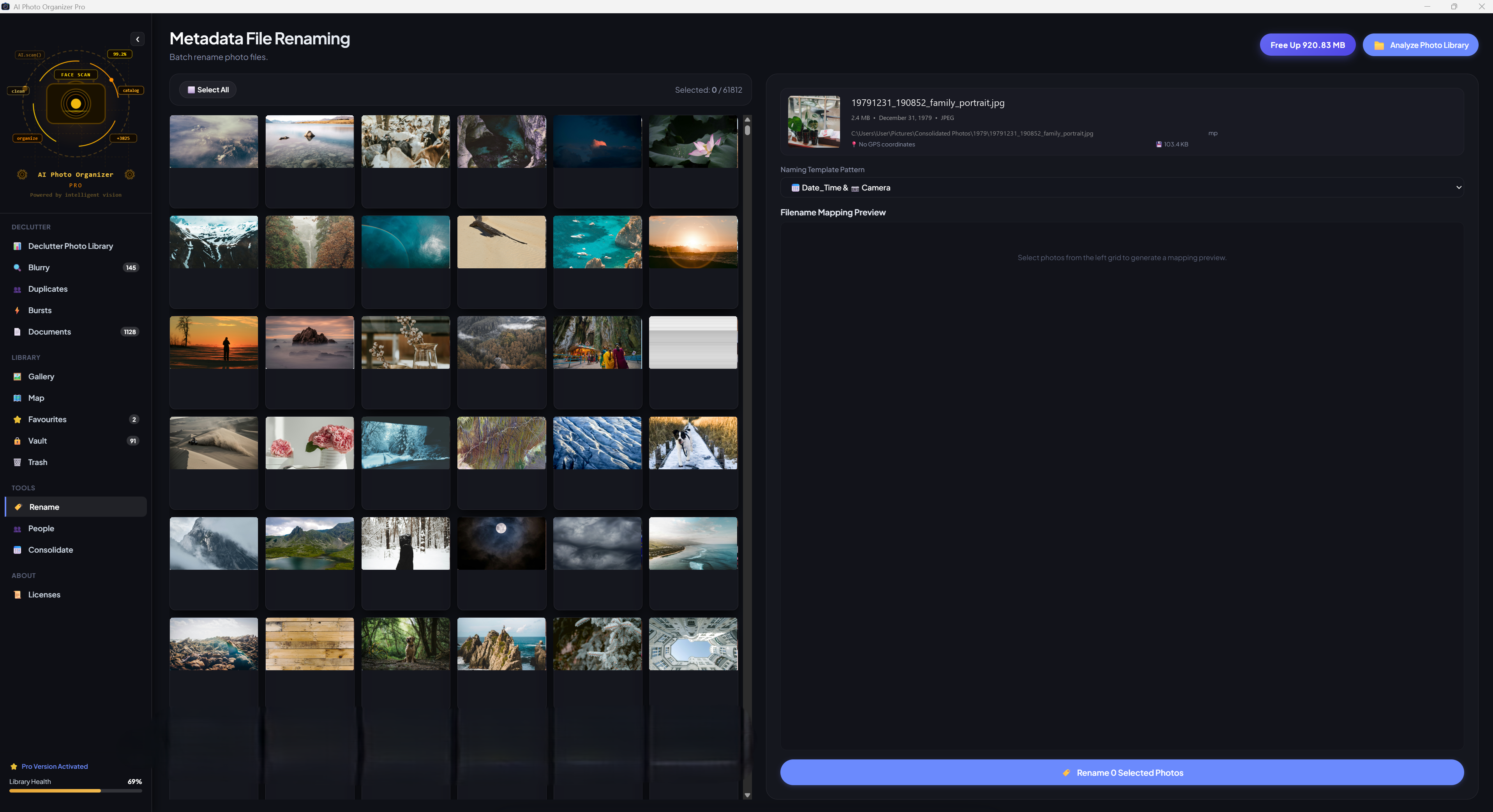
  • Intelligent Batch Renamer Replaces cryptic camera filenames (e.g. IMG_0042.CR2) with standardized, metadata-driven patterns like YYYY-MM-DD_Event_001.jpg.
  • Non-Destructive Lightbox & Safety Rails Built-in rotation and adjustments with automatic .originals backup and one-click instant revert.
Intelligent Batch Renaming Tool
Batch File Renaming Tool
How It Works

Fast Three-Step Ingestion & Curation

No complicated setup, no cloud syncing accounts. Point the app to your photo directory and let the local engine do the heavy lifting.

Step 01

Scan & Ingest

Select any folder, external hard drive, or memory card. AI Photo Organizer indexes EXIF metadata, generates high-speed previews, and prepares files locally without moving them.

Step 02

AI Declutter & Review

Review smart diagnostic cards for Duplicates, Blurry Shots, Bursts, and Document receipts. Approve auto-recommendations with one click to reclaim gigabytes of storage.

Step 03

Organize & Explore

Consolidate files into structured year/month folders, explore clustered people profiles, and navigate your vacation memories across the interactive global GPS map.

Comprehensive Capabilities

Feature Matrix at a Glance

Everything you need for industrial-strength photo organization in a lightweight desktop application.

Smart Deduplication

Identifies exact cryptographic duplicates and perceptual lookalikes. Preserves the best quality shot and cleans redundant copies.

Blurry Shot Filter

Calculates Laplacian frequency variance to catch out-of-focus, shaky, and underexposed shots before they waste disk space.

Burst Frame Selector

Analyzes rapid burst sequences and pinpoints the single sharpest frame, eliminating hundreds of duplicate shots.

Receipt & Doc Separator

Detects text-dense documents, screenshots, and invoices to keep utility paperwork from cluttering your personal memories.

Private Face Clustering

Clusters friends and family on-device using local YuNet & SFace models with zero biometric uploads or remote tracking.

Interactive GPS Map

Plots photo coordinates onto a high-resolution world map for intuitive geographical exploration of trips and milestones.

Folder Consolidator

Organizes messy directories into clean YYYY/MM structures and standardizes filenames using camera metadata.

Total Data Sovereignty

Runs completely offline. Deletions go safely to your OS Recycle Bin first. Zero telemetries, cloud accounts, or subscriptions.

Current Version Visuals

See The Application In Action

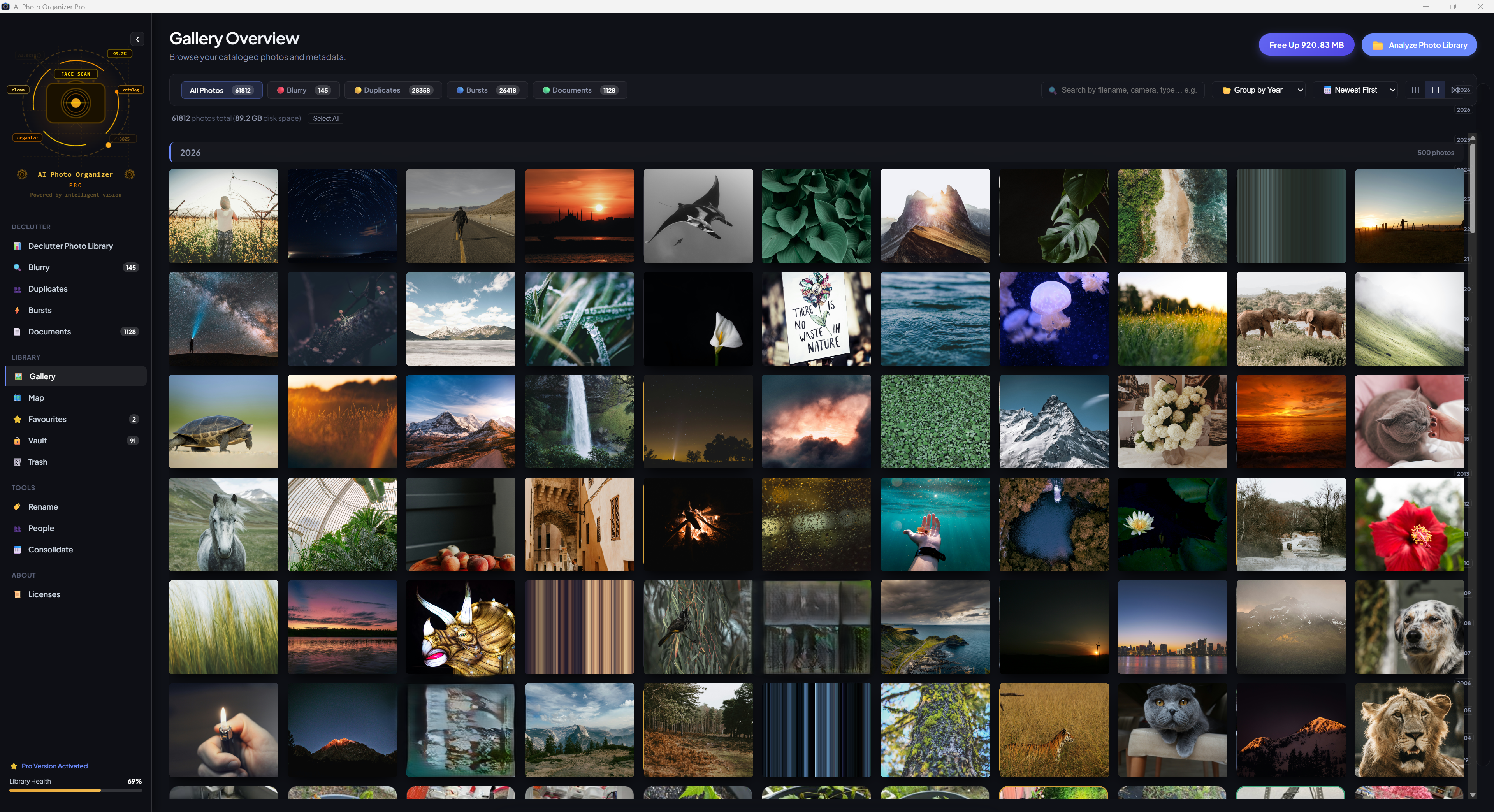
Real user interface views captured directly from the current production build of AI Photo Organizer Pro.

Got Questions?

Frequently Asked Questions

Clear, direct answers regarding privacy, file safety, and system compatibility.

Does AI Photo Organizer Pro upload my photos to the internet?

No. Every feature—including facial recognition, blur detection, perceptual hashing, and GPS indexing—runs strictly on your local computer's hardware. Your photos and personal face vectors never touch a remote server.

Will it accidentally delete my original photos?

Never. Cleanup operations move flagged files to your operating system's Recycle Bin / Trash, allowing you to review or restore anything with a single click. In-app edits also preserve original backups in a dedicated safety folder.

Can it organize photos from external hard drives or SD cards?

Yes. You can scan, organize, and consolidate libraries located across internal drives, external USB hard drives, network storage paths, and camera SD cards seamlessly.

What operating systems are supported?

AI Photo Organizer Pro is engineered as a native desktop application for Windows 10 & 11 (available via direct MSI installer and Microsoft Store) and macOS (supporting both Apple Silicon M-series and Intel processors).

Founder's Early Access

Get AI Photo Organizer Pro Today

$9.99
One-time purchase • Lifetime license • No subscriptions

Lock in today's founder rate. The price will increase to $19.99 and $29.99 as future features ship. Purchasing now guarantees perpetual license rights and lifetime updates.

Buy Through LemonSqueezy →
Try the free trial version:
Download for Windows (160 MB .msi) Download for macOS (160 MB .dmg)